
Shop Watch Plan
- Stream music, make calls, reply to messages & more even when you don’t have your iPhone or a Wi-Fi connection.
- Unlimited Data*, Talk & Text
*You will enjoy 5GB of high-speed data, and then your speed will be reduced until your plan renews.
How to add a cellular watch plan
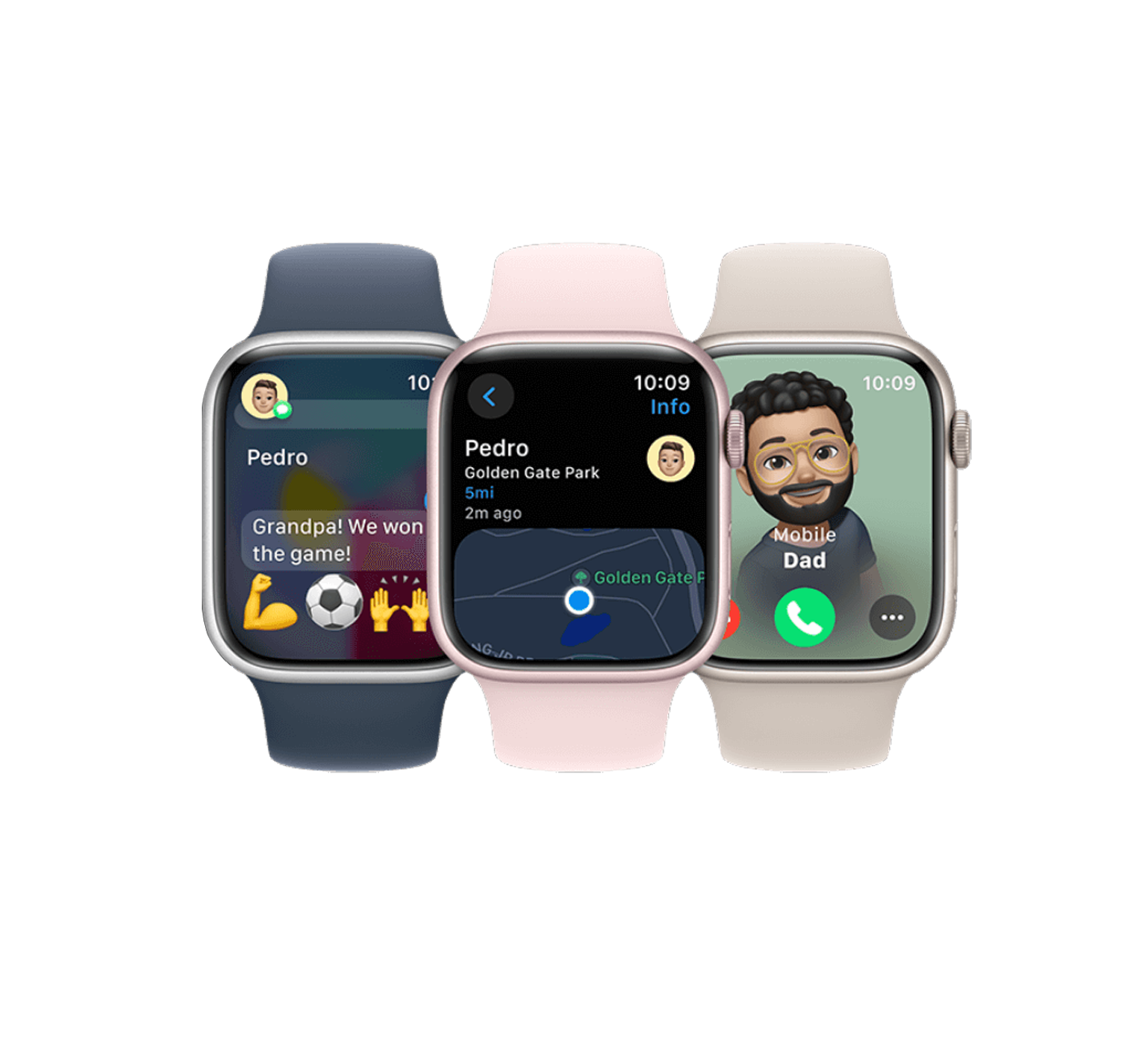
Bring your Apple Watch close to your iPhone
Open the Apple Watch app on your iPhone
Helpful tips
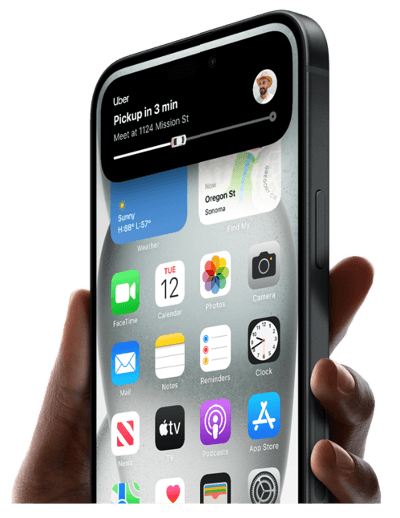
Before you start setup & activation
- Must have an iPhone with an active PureTalk service plan
- You’ll need an iPhone Xs or later with the latest iOS update
- Charge your iPhone and Apple Watch
- Connect your iPhone and Apple Watch to a Wi-Fi network
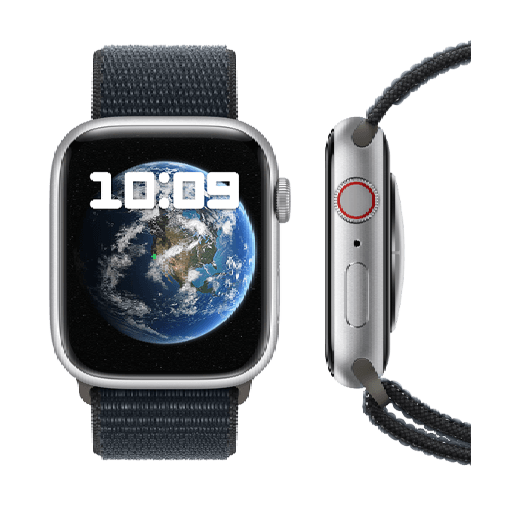
Identify if you have a GPS + Cellular Apple Watch
Look at the round digital crown on the side of the watch. Does it have the round red circle? If yes, it’s GPS + Cellular and compatible. If not, it’s GPS only.
FAQs
PureTalk's Apple Watch perk is tailored exclusively for Apple Watches. While you can connect other smartwatches to your phone through Wi-Fi, we currently do not support cellular connectivity for those devices.
There's no additional cost for the Apple Watch feature. It is an option available on our $44.99, $54.99, and $64.99 plans. Currently, PureTalk does not offer the Apple Watch feature as an add-on service.
You may bring your own compatible Apple Watch GPS + Cellular and integrate it with PureTalk's Apple Watch service feature or you may purchase one from PureTalk. Just remember, you must have an iPhone, an Apple Watch, and be on a qualifying plan to use it with our service.
To view our current Apple Watch lineup, visit our Shop Apple Watch page. If you are an existing customer, be sure to log in to your Account Portal to purchase your new Apple Watch.
The GPS model Apple Watch can only connect to Wi-Fi. It does not have its own cellular connection, meaning you cannot receive calls and messages when you do not have a Wi-Fi connection. The GPS + cellular model can receive calls and messages even when your phone is not nearby (like when you don't want to carry your phone on you when going on your morning jog).
Yes. PureTalk offers device financing for qualifying customers, and this includes financing for Apple Watch. If approved, your device payments are added to your monthly bill over a 36-month term.
To use the Apple Watch plan perk, you must have a compatible iPhone and an Apple Watch GPS + Cellular model.
Once you have ordered PureTalk service with a plan that comes with a free perk, you will activate your primary line, as normal. Once your primary line has been activated, you can log in to your Account Portal or contact Customer Support by dialing 611 from your PureTalk phone or by calling (877) 820-7873.
Free perks become available after your primary line is activated. You can add them in your Account Portal or by calling 611 from your PureTalk phone or (877) 820-7873 for Customer Support.
Yes. Once your primary line is activated, you can add your free perks in your Account Portal or by calling 611 from your PureTalk phone or (877) 820-7873 to reach Customer Support.